





















Blocky World 3D: Creative Mode!
Blocky World 3D: Creative Mode! - Play Online
Step into an endless voxel sandbox where every block is yours from the start. No grinding for wood, no hunting for coal—just instant access to dynamite, flight mode, and seven distinct biomes. Build a castle in the snow, carve cities into ash lands, or test explosive physics experiments. Rain falls, night cycles, and the procedural world stretches forever.
How to Play Blocky World 3D: Creative Mode!
Open the inventory with E, grab any block or tool, and start placing or destroying. Press F to activate flight mode—Z drops you, X lifts you higher—so you survey mega-builds from above. LKM breaks blocks, RKM places them. WASD moves you, Shift accelerates, Space jumps, C crouches. Tab opens settings. Experiment with Minecraft games that emphasize creative freedom, or dive straight into construction without resource limits.
Instant Construction and Demolition
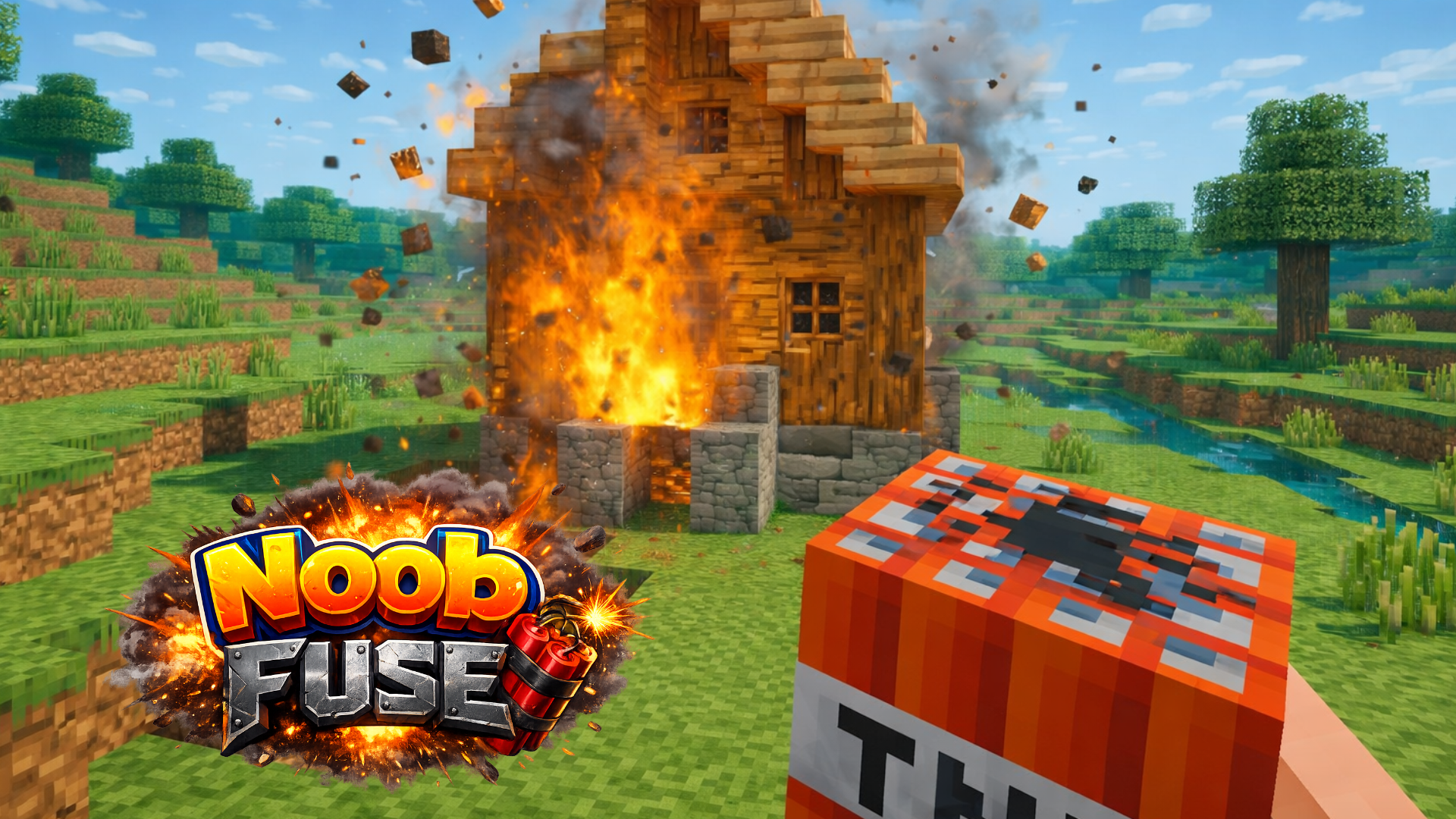
Every block type sits in your inventory at match start. Click terrain to break voxels, click air to snap new cubes into place. Dynamite lets you blast zones instantly—watch structural collapse in real-time or clear swaths of forest for mega-projects. Flight mode (F) hovers you above builds; adjust altitude with Z and X to frame shots or place rooftop details. The core loop is pure placement and removal—no survival hunger bars, no hostile mobs. Minecraft Classic shares that same uninterrupted creative flow, focusing on block manipulation instead of combat or resource scarcity.
Biomes and Procedural Generation
Seven biomes generate endlessly: meadows bloom with grass, black forest drips shadow density, swamps puddle murky water, snow biome blankets terrain, plains stretch flat, ash lands scatter volcanic textures, and the Far North freezes tundra. Procedural generation ensures you never hit a world edge. Day-night cycles shift lighting; rain particles streak down; snow accumulates visually. Each biome offers different color palettes and terrain shapes for thematic builds—construct ice fortresses in the Far North, swamp huts on stilts, or meadow villages. WorldCraft expands on that biome variety with even more environmental tweaks, ideal if you want extra visual diversity while keeping the same WASD movement and flight controls.
Pro Tips for Sandbox Building
Use flight mode constantly. Ground-level construction is slow; hovering above lets you place blocks faster and visualize symmetry. Drop dynamite to carve foundations or clear dense forest in seconds. Press Shift while flying to zip between build sites. Rain and snow don't damage structures, so weather becomes atmospheric backdrop, not threat. Experiment with ladder blocks to create vertical access without stairs. Glass blocks (alpha-mapped transparency) let light through for skylights. If you crave a 2D twist on the same block-breaking rhythm, try Paper Minecraft, which translates voxel mining into side-scrolling platformer mechanics. For speed-focused building with zero distractions, Build Craft streamlines the interface even further, prioritizing rapid construction over exploration.
Key Features
- Unlimited Creative Inventory: All blocks and tools available instantly—no mining required.
- Seven Procedural Biomes: Meadows, black forest, swamp, snow, plains, ash lands, and Far North generate endlessly.
- Flight Mode with Altitude Control: Press F to fly; Z descends, X ascends for precise aerial placement.
- Dynamic Weather and Day-Night Cycle: Rain, snow, and shifting light create immersive atmosphere without affecting gameplay.
- Instant Demolition with Dynamite: Blast structures or terrain for rapid clearing and explosive experiments.
- No Survival Constraints: Zero hunger, health, or hostile entities—pure building focus.
Who is Blocky World 3D: Creative Mode! for?
Perfect for players who skip survival grinds and want immediate access to simulation games focused on construction. Teens testing architectural ideas, kids exploring voxel physics, or anyone seeking a meditative building loop will find satisfaction. Casual players on desktop, Android, or iOS devices can jump in without downloads—just click and start placing blocks. If you prefer destructive chaos over careful planning, dynamite provides instant gratification. Boys games fans who love sandbox freedom and explosive experiments will enjoy the creative mode's no-limits approach.
Developer
Blocky World 3D: Creative Mode! was developed by SecretiveGames. The game delivers a voxel sandbox with procedural biomes, flight mechanics, and instant block access—playable directly in any browser on desktop, Android, or iOS without installation.
Controls
- WASD: Move forward, left, back, right
- Shift: Accelerate movement speed
- Space: Jump
- C: Crouch
- LKM (Left Mouse): Break/mine blocks
- RKM (Right Mouse): Place blocks
- E: Open inventory
- F: Toggle flight mode
- Z: Descend altitude in flight
- X: Ascend altitude in flight
- Tab: Open settings
FAQ
Is Blocky World 3D: Creative Mode! free to play?
Yes. Click play on Playgama and start building instantly in your browser—no downloads or payments required. All blocks, dynamite, and flight mode unlock at the start.
Can I save my builds in Blocky World 3D: Creative Mode!?
Save functionality depends on your browser's local storage. Most sessions persist progress, but always check the settings menu (Tab) to confirm save options before exiting.
How do I use dynamite in Blocky World 3D: Creative Mode!?
Open inventory (E), select dynamite from your toolbar, place it with RKM, then detonate. The blast radius clears terrain and structures instantly—perfect for fast demolition or explosive experiments.
Does Blocky World 3D: Creative Mode! have multiplayer?
No. The game is single-player, focused on solo building and experimentation across seven procedurally generated biomes. You control the entire world without other players or NPCs.
What platforms support Blocky World 3D: Creative Mode!?
Desktop browsers, Android devices, and iOS devices all run the game. Touch controls adapt automatically on mobile; mouse and keyboard work on desktop. No installation needed—launch directly from Playgama.
Video