


























Obby World: Parkour Runner
Obby World: Parkour Runner - Play Online
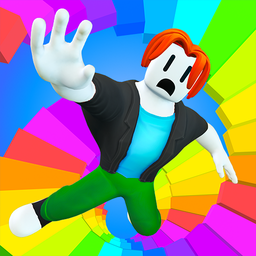
Jump, grind, and dash through floating platforms in three wild modes. Rainbow saturates your screen with neon geometry. Bicycle adds wheels and momentum tricks. Escape throws guards and traps at your path. Each checkpoint pad = fresh challenge. No downloads—click and dive straight into Blocks games chaos on any device.
How to Play Obby World: Parkour Runner
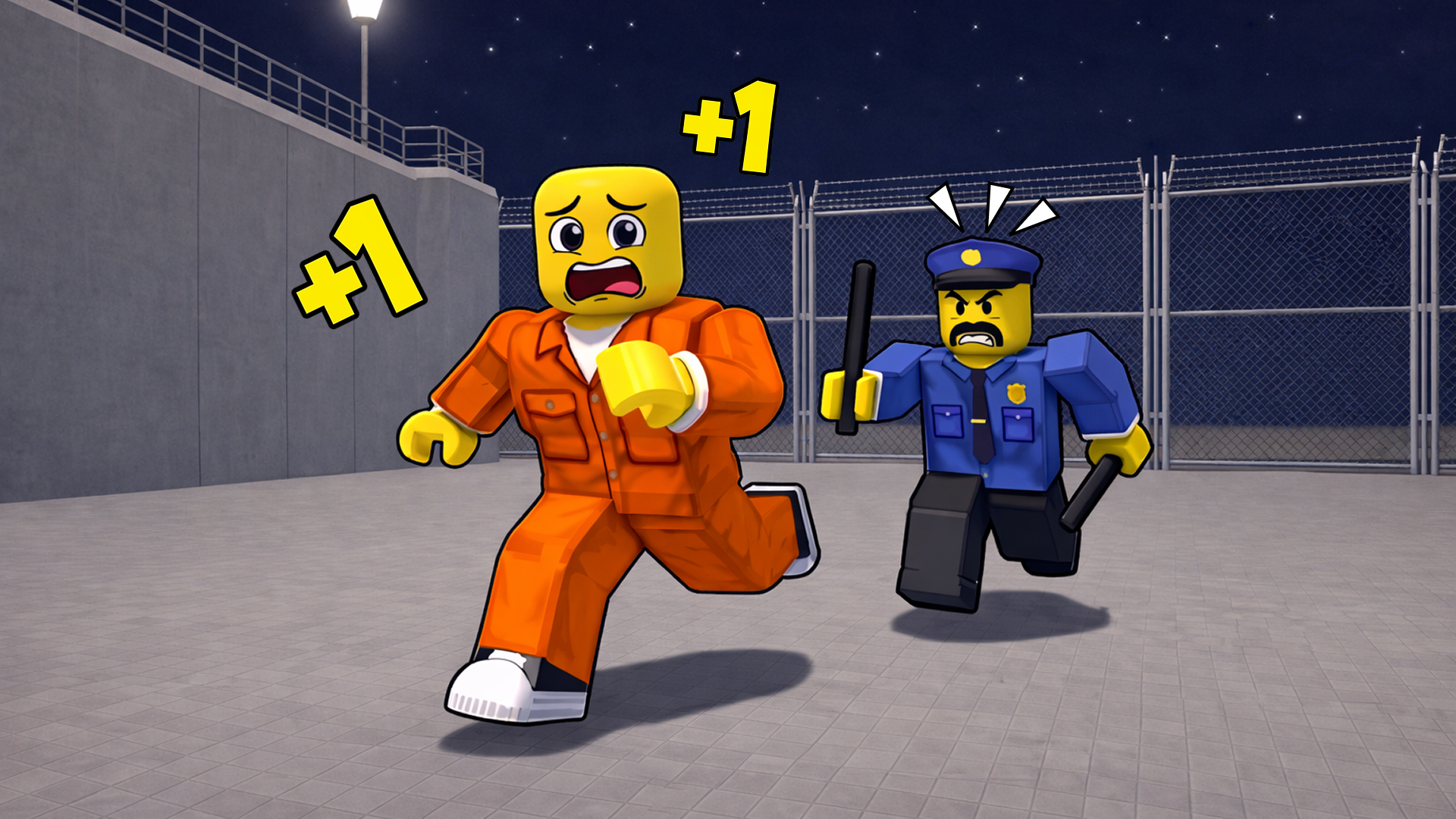
Reach every checkered pad. Fall = restart from last checkpoint. Three modes split the grind: Rainbow offers pure parkour flow, Bicycle demands speed control through narrow gaps, and Escape layers NPC guards hunting you across platforms. WASD moves, SPACE launches you airborne, mouse drag spins the camera. Mobile players use left joystick plus on-screen buttons and pinch-drag for camera angles.
Master the Jump Arcs
Timing beats button mashing. Spiral staircases demand short hops—hold SPACE too long and you overshoot into the void. Concentric ring tunnels test depth perception; wait for the widest gap before launching forward. Rotating triangular frames sync with your stride—count two steps, then jump as the opening aligns. Each segment introduces tighter geometry, so practice the rhythm before you sprint.
Mode-Specific Tactics
Rainbow mode lets you experiment with camera angles—rotate mid-air to spot distant platforms early. Bicycle mode locks you to wheel physics; tap forward gently on narrow bridges or you'll flip off-course. Escape cranks urgency—guards patrol fixed routes, so memorize their loops and dash during blind spots. Customize your avatar appearance between runs; new looks unlock as you clear stages, adding personality to each attempt.
Pro Movement Tips
Strafe-jump for extra distance—hold A or D while pressing SPACE to angle your leap diagonally across wide gaps. Pink bridges with yellow frames? Jump the instant you enter the frame's center; early or late = collision reset. Multi-colored cylindrical pillars require snap decisions—scan two platforms ahead, commit to the next color, no hesitation. Pause with Escape (or the striped button) to study upcoming geometry without pressure.
Key Features
- Three Distinct Modes: Rainbow floods you with bright geometry, Bicycle adds vehicle momentum puzzles, Escape layers guard AI and trap timing into the core parkour loop.
- Flat-Shaded Visuals: Primary-color blocks and primitive shapes keep everything readable at speed—no visual clutter between you and the next jump.
- Checkpoint System: Every checkered pad saves progress; fall resets you to the last pad, not the start, so you iterate fast on tricky sequences.
- Avatar Customization: Swap your hero's look between runs—unlock new appearances by completing levels and add personal flair to your parkour sessions.
Who is Obby World: Parkour Runner for?
Built for young players (ages 5–12) craving fast-paced obstacle courses and mobile/tablet users who want instant Roblox-style action without app installs. If you chase checkpoints, love geometric puzzles, or need a quick parkour fix during breaks, this fits. Perfect for Obby but you're on a bike fans who want extra vehicle mechanics layered onto platform jumps, or anyone hunting Arcade games that demand reflex training over story depth. Roblox Obby Blox Fruits players will recognize the checkpoint-driven progression and linear course structure wrapped in a similar visual style.
Developer
Obby World: Parkour Runner was developed by Kids Games. The game delivers three parkour modes—Rainbow, Bicycle, and Escape—each built around jump timing, checkpoint systems, and simple geometric obstacles, playable instantly in any browser on desktop or mobile.
Controls
- WASD (Desktop): Move forward, left, backward, right
- SPACE (Desktop): Jump
- Mouse Drag (Desktop): Rotate camera view
- Escape (Desktop): Pause menu
- Left Joystick (Mobile): Character movement
- On-Screen Buttons (Mobile): Jump and actions
- Pinch-Drag Right Side (Mobile): Camera rotation
- Striped Button (Mobile): Pause menu
FAQ
What are the three game modes in Obby World: Parkour Runner?
Rainbow floods you with colorful platforms for pure parkour flow. Bicycle adds vehicle physics—maneuver on two wheels through tight gaps and collect bonuses. Escape layers guards and traps, demanding quick reactions and strategic route planning to avoid enemies.
How do I control the camera in Obby World: Parkour Runner?
On desktop, hold and drag the left or right mouse button to rotate the camera around your character. On mobile, pinch and drag on the right side of the screen to adjust your viewing angle while navigating obstacles.
What happens when I fall off a platform?
You respawn at the last checkered checkpoint pad you reached. The game saves progress at each pad, so you never restart the entire mode—just retry the section you fell from until you nail the jump sequence.
Can I play Obby World: Parkour Runner on mobile devices?
Yes—Obby World: Parkour Runner runs on desktop, Android, and iOS. Mobile controls use a left joystick for movement, on-screen buttons for jumping, and pinch-drag gestures for camera rotation, making it fully playable on tablets and phones.
How does avatar customization work?
Change your hero's appearance between runs by unlocking new looks as you complete levels. Customization adds personal style to your parkour sessions and can open new gameplay possibilities as you progress through Games For Pc games like this.
Video